
Connect IM Channels
Positions are available in the WinNexo web app and through direct-message bots on different IM platforms. Bind these bots on "Channel Management" to converse with a position in IM.
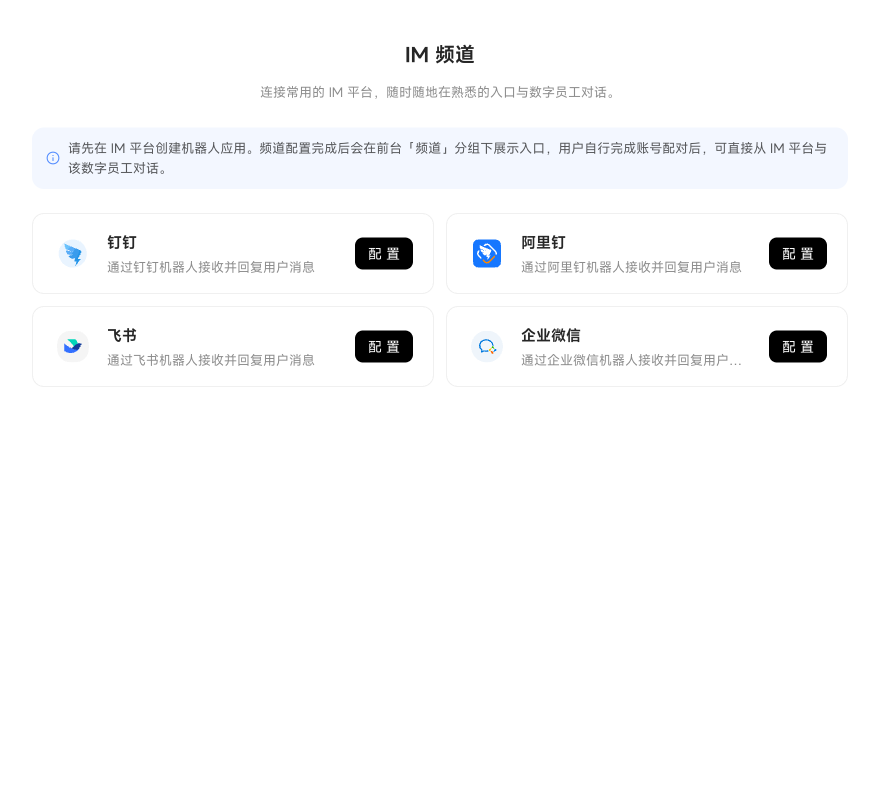
DingTalk
Uses Stream mode and a card template. Requires Client ID, Client Secret, and Card Template ID. You must be an enterprise administrator or have permission to create apps on the DingTalk Open Platform.
Feishu
Uses a persistent connection to receive im.message.receive_v1 events. Requires App ID and App Secret. Permissions take effect only after publishing.
WeCom
Connect using a custom app. Requires Bot ID and Secret.
After configuration, the channel appears on the workspace "Channels" tab. Users must pair their own accounts by generating a pairing code in the web Channels panel and sending it to the IM bot before directly @ mentioning the position in IM.
i
Each channel provides detailed setup instructions on the page. Follow them to complete configuration.