
View Reasoning and Tool Calls
While a Digital Worker executes a task, the answer area shows the current reasoning progress and the tools actually invoked, helping you judge whether the task is moving in the right direction. It is expanded by default during execution and collapses automatically when complete; you can reopen it at any time.
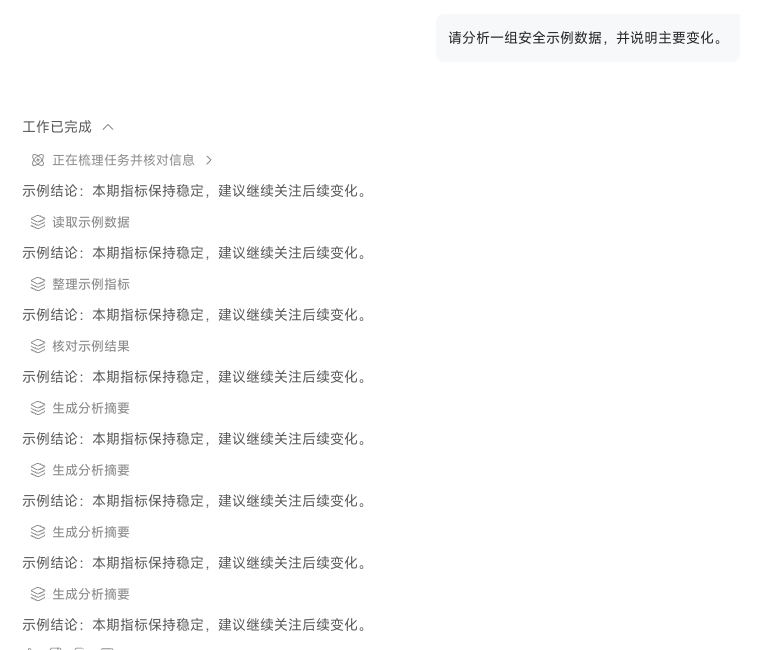
When several tools run in parallel, the interface groups and shows their individual statuses. A long-running tool does not mean the other steps have stopped; first review the execution status and returned information in each group.
If you discover that the task goal is wrong or that data access should not continue, terminate the execution. This stops subsequent steps, while text and tool results already generated remain in the current chat so you can inspect them and restate the requirements.