
Manage Queued Messages
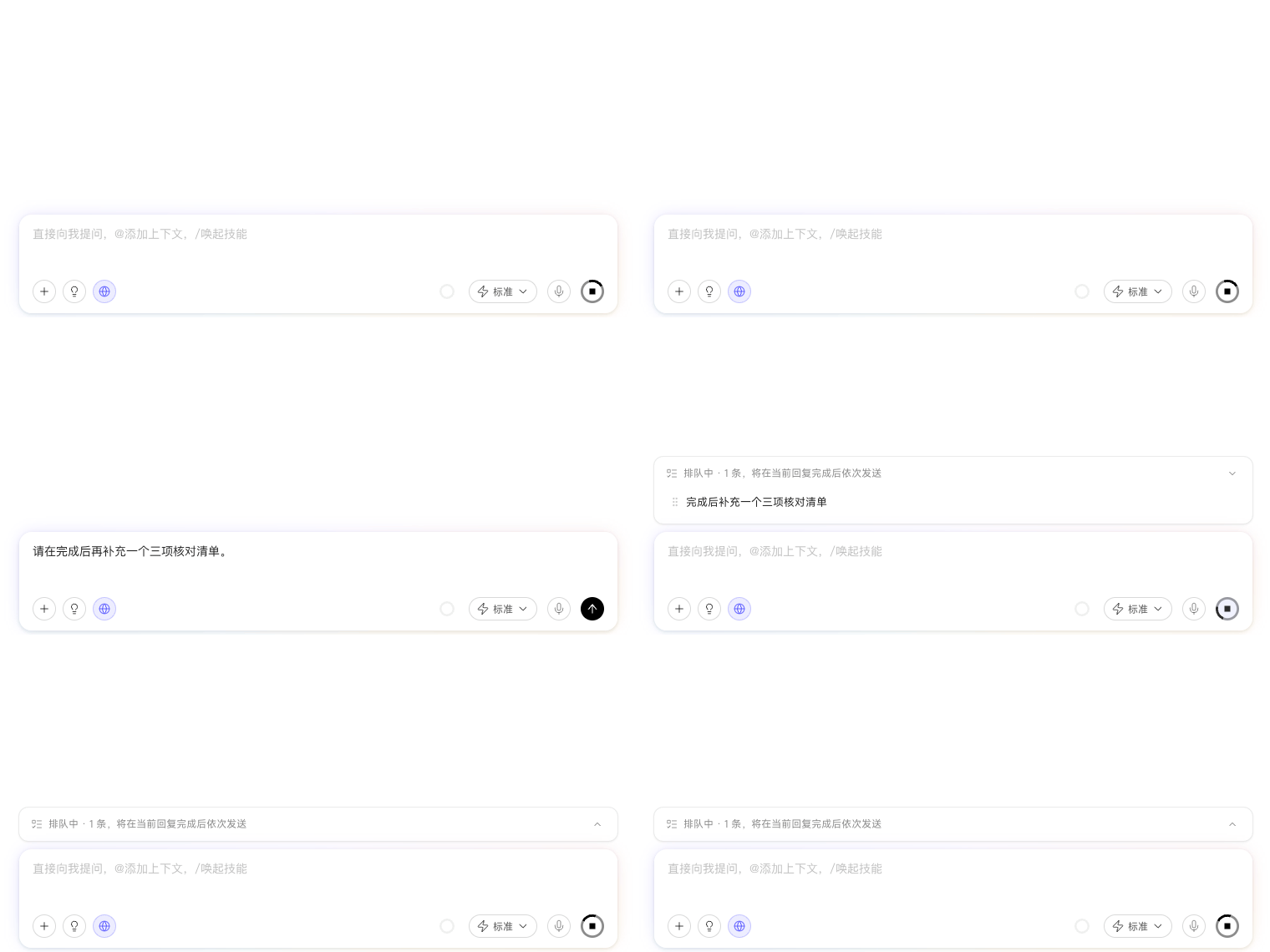
Message queuing lets you continue sending content while a Digital Worker is answering. New messages enter a queue and are processed in order after the current execution finishes, making it useful for adding follow-up requirements in advance.
While Messages Are Queued
You can schedule follow-up messages without interrupting the current answer and adjust any content that has not yet been executed.
Expand the message queue to drag messages into a different order, delete messages you no longer need, or collapse the list. Use “Send Now” when a requirement must affect the current task immediately. This can change the content being generated, so use it only when you genuinely need to correct the direction.
Automated Tasks, quick Skill invocations, and IM Channel chats use the same queuing logic. In IM, use /停止 or /stop to terminate the current answer, and /发送 or /send to submit queued content immediately. Collaboration Group chats process the queue in order, so these two command pairs do not apply there.
After a page refresh or brief network interruption, the streaming answer resumes automatically. You do not need to send the same message again.