
Use Generative UI
Generative UI presents information from a response as charts, tables, cards, or other interactive interfaces when appropriate. Use it to inspect trends, compare data, or continue working with structured results instead of only reading long passages.
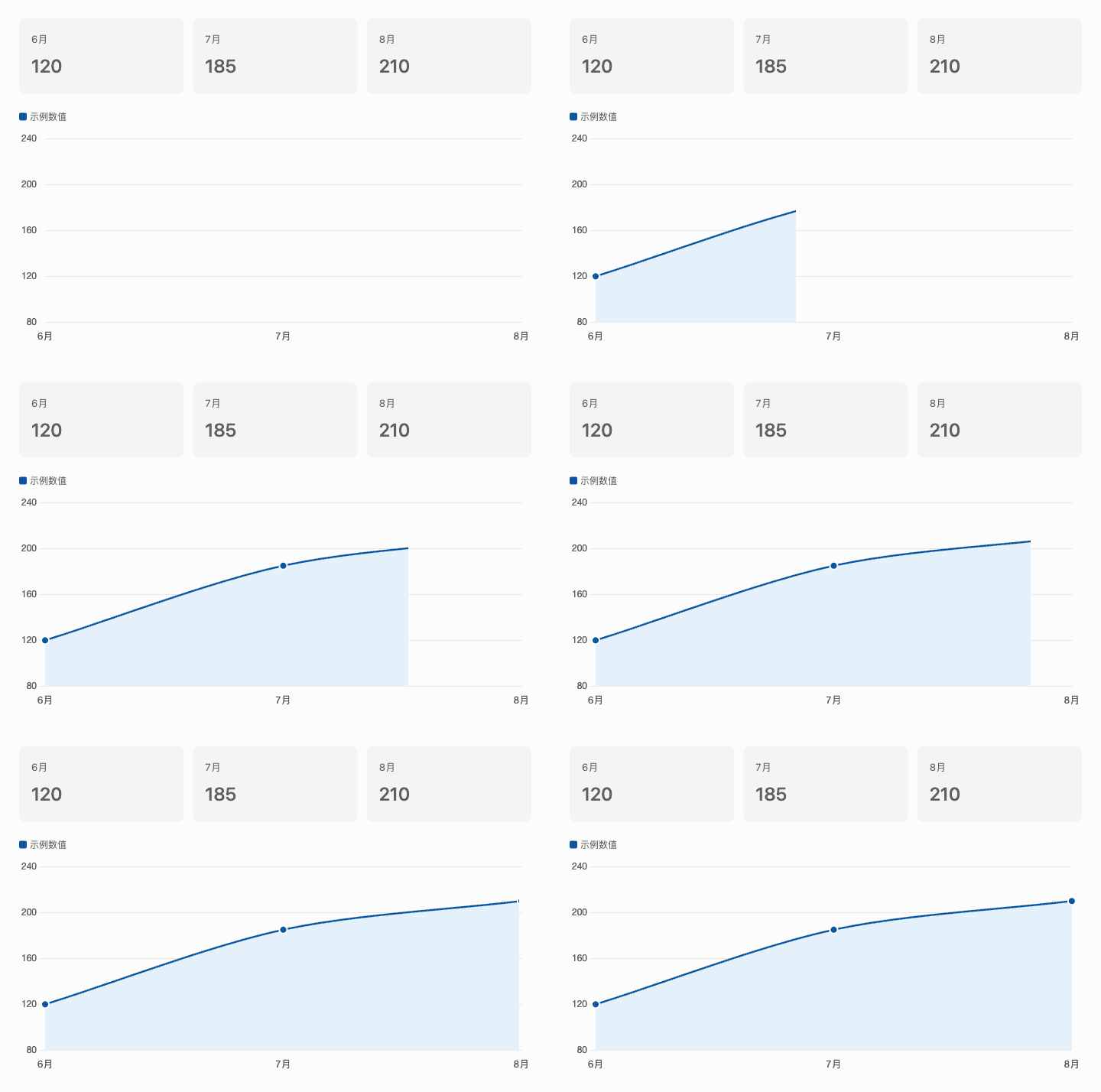
For instructions on enabling it, see Generative UI in Personal Settings.
Generating visual content may increase response time. Check titles, date ranges, filters, and key values before requesting changes to specific charts or fields. Channel conversations do not currently support Generative UI; use a new Chat for tasks that require it.