
Selecting Digital Workers
A new chat is answered by the current Digital Worker by default. If the task belongs to a specific business domain or requires several roles to divide the work, select more suitable workers before sending your message.
Select One Digital Worker
- Go to “Personal > New Chat” and open the Digital Worker selector above the input area.
- Search for a worker and review the five tabs in the details: Capabilities, Knowledge, Chats, Objects, and Semantics. Chats includes historical conversations handled independently by the worker or joined as a collaborator.
- Select the worker, describe the task goal and expected result, and send the message.
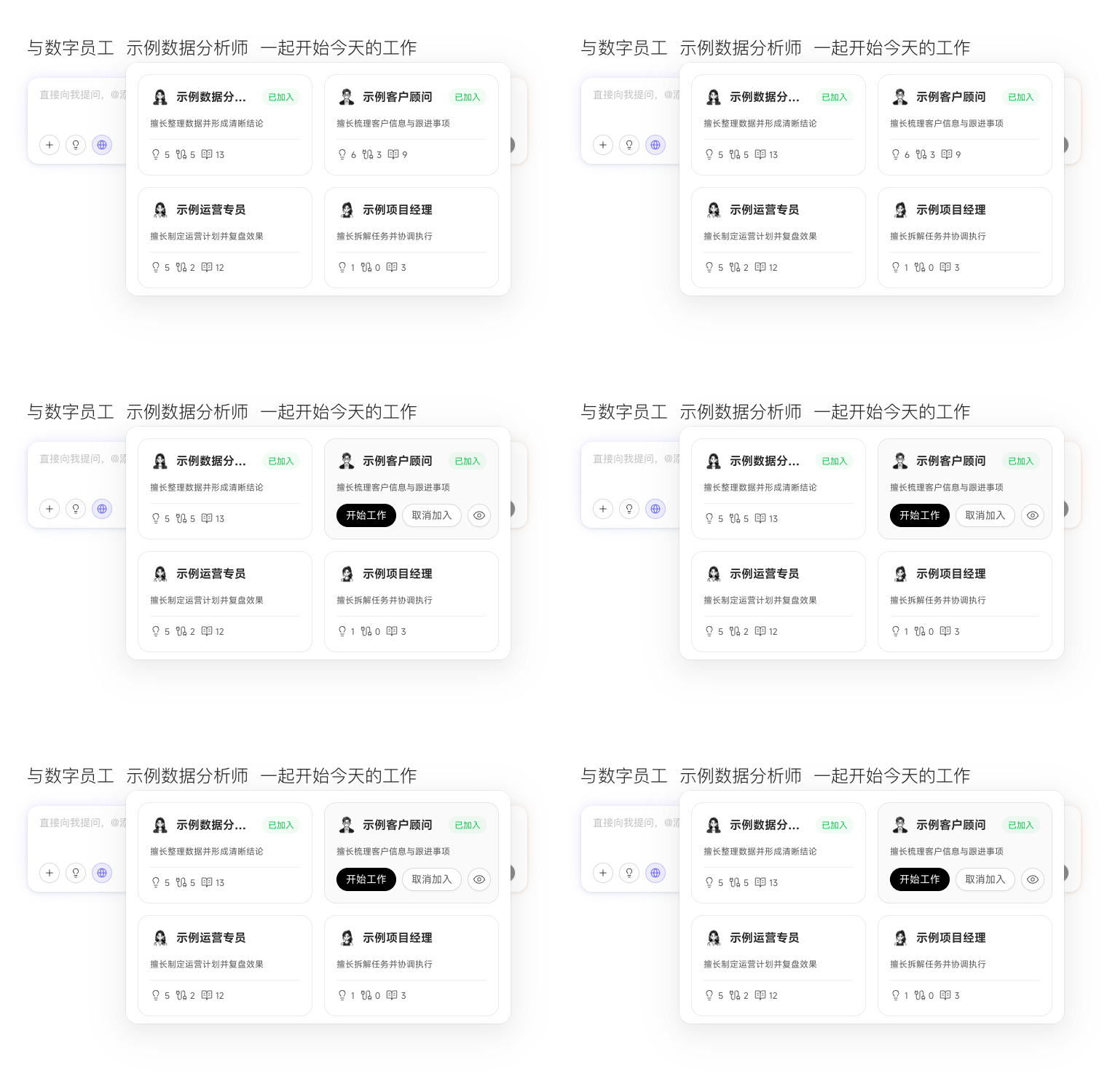
If the current worker is not closely related to the task, the system suggests a more suitable one and you can switch directly. You cannot change workers after execution of the same task has started; start a new chat when another worker needs to take responsibility.
Form a Collaboration Team
A chat can include up to three Digital Workers. The first is the lead worker, responsible for understanding the goal, assigning work, and consolidating results. The other workers complete their parts according to the lead worker’s plan. Tasks suited to a collaboration team should be divisible by role or area of expertise.
If the task needs more than three workers, or none of the current workers can handle it, first divide the goal into relatively independent tasks and start a separate chat for each one.