
View the Task Plan
Complex tasks are first broken into a plan. Plan steps use three statuses—Pending, In Progress, and Completed—so you can see what is happening now and what work remains.
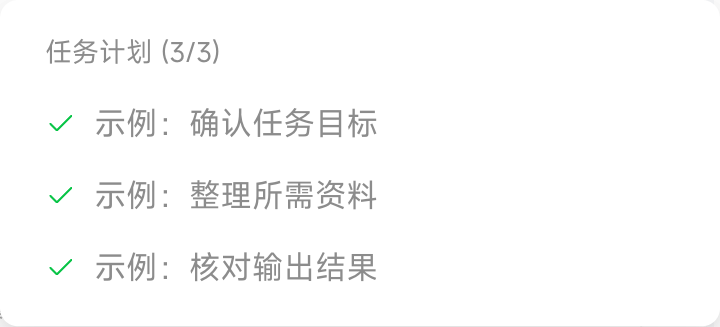
During multi-worker collaboration, the main chat shows the lead worker’s plan, while each subtask plan appears at the bottom of its corresponding subchat. The plan and queued messages appear on the “Task Plan” and “Queued” tabs; entering a new message switches to “Queued.” After the task ends, use “View Task Plan” for the corresponding turn to review execution.
Task plans currently appear only in New Chat on the web and are not shown in IM chats. To track detailed steps, open the corresponding chat in the web interface.