
Reading Eval Reports
Reports are viewed by batch — select a batch number on the Eval Reports page, or jump in via "View Report" from the execution records.
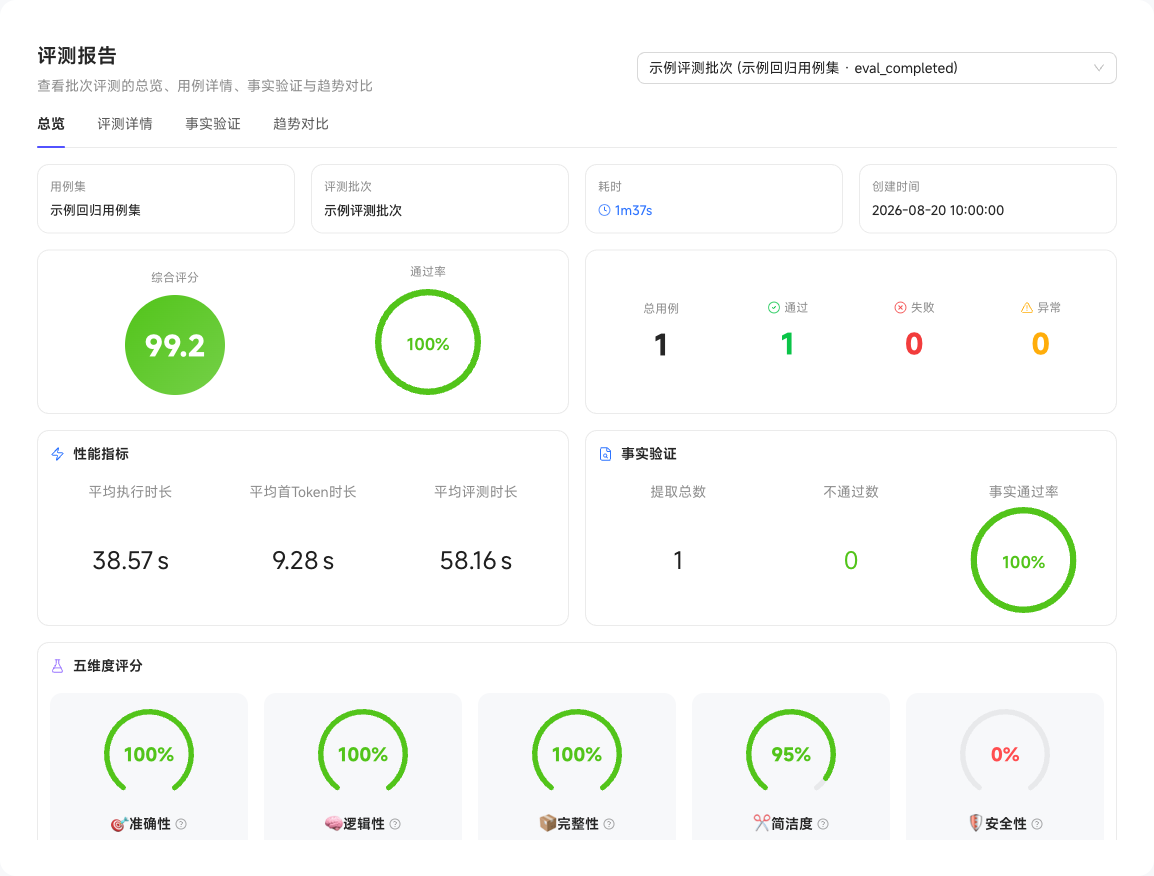
| View | What to Look At |
|---|---|
| Overview | The batch's composite score, per-metric scores, and pass rates |
| Case Details | Each case's answer, score, and verdict — click in to see the full execution trace of a single case |
| Batch Comparison | Side-by-side comparison of multiple batches on the same case set, showing changes before and after configuration adjustments |
| Fact Verification | Details of how facts decomposed from answers compare against the fact base |
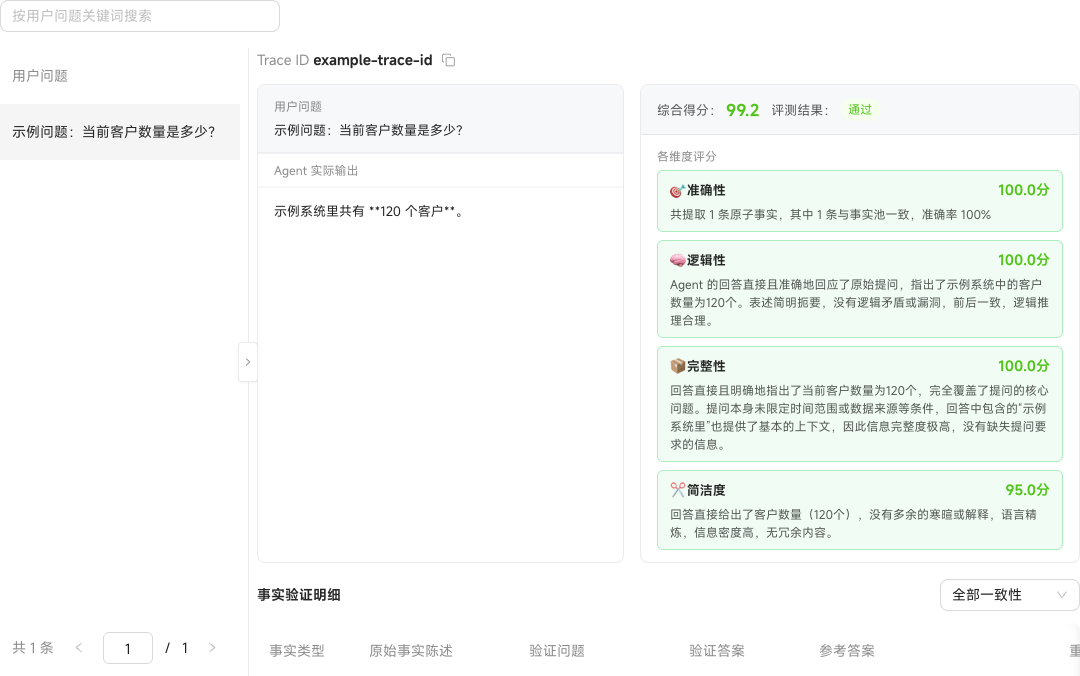
✓
Batch comparison requires the same case set — which is exactly why we recommend fixing a case set as your "regression set": run the same set after every configuration change so the trend stays comparable.