
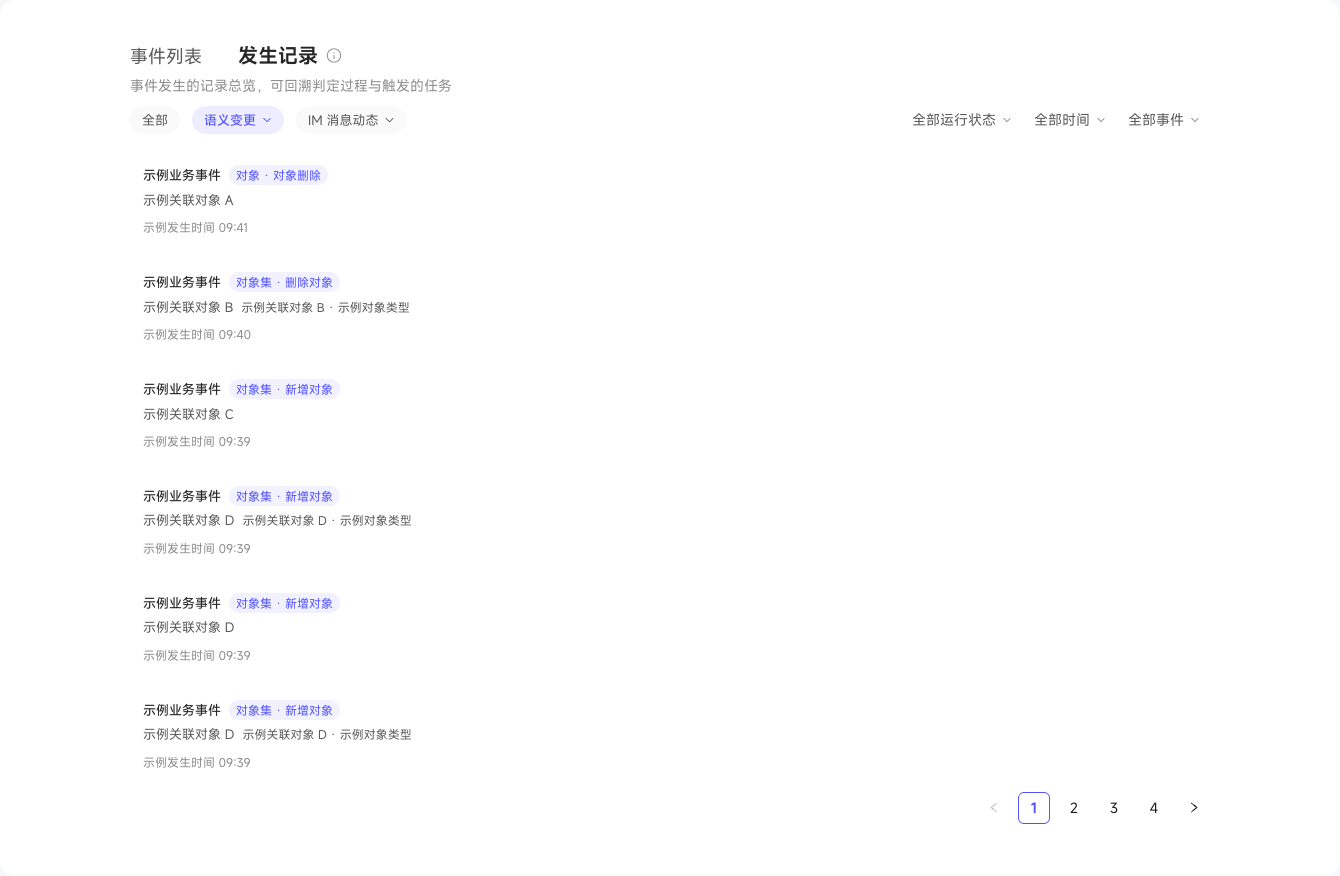
View Event Occurrence Records
Occurrence Records shows event trigger times, event types, and related objects. When investigating an automated task that did not run, first check whether the event generated a record, then confirm that the task subscribes to that event and is enabled.
Deleting an event does not delete existing historical records, but future triggers that depend on it stop. Check the number of task subscriptions before deleting.
Open a record to view what happened and why it matched. IM events also show keyword screening and AI evaluation results. Check Triggered Tasks for the tasks that actually triggered and their owners, then view their results in automated task execution records.