
Associate Positions
A Knowledge Base must be associated with positions before they can access it. Associate positions at the Knowledge Base level, then configure user or group visibility at the directory and knowledge-item levels:
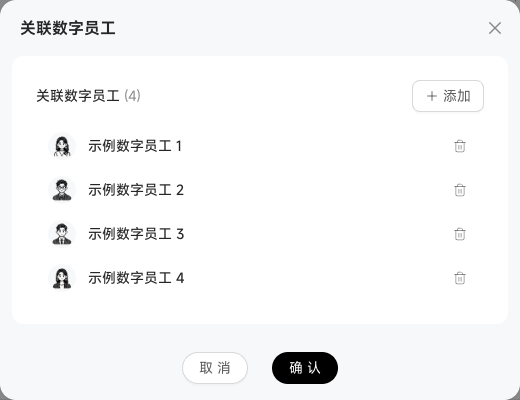
Click "Associate Positions" on the Knowledge Base card to open the dialog.
Search or scroll to find positions. You can associate multiple positions.
Saving takes effect immediately. The position can retrieve directory content in Chats, subject to the current user's permissions for the retrieved knowledge.
Visibility can narrow at each level. Within a public Knowledge Base or directory, restrict subdirectories and individual items to selected users or groups. The creator retains access to all knowledge in the base regardless of these narrower scopes.