
Browse
List Page + Filtering + Batch
The list page top has type filtering (All/Process/Logic/Rule/Indicator) + search box + "Batch Select" button. In batch mode, multiple entries can be deleted at once.
Each card shows: type tag + display name + associated objects (up to 3 shown, more collapsed as "and N more") + key fields (Processes show node lists, Rules show when/must pairs, Indicators show aggregation method and formula).
Detail Page: Complete Definition + View YAML
Click a card to enter the detail page:
- Basic Info: name, display name, associated objects/logic, creation time, update time
- Core Logic Description: complete natural language description
- Type-specific Section: flow nodes / calculation rules / rule condition pairs / calculation formula
- View YAML Code: expands the complete YAML representation of this entry, copyable—convenient for pasting into other graphs
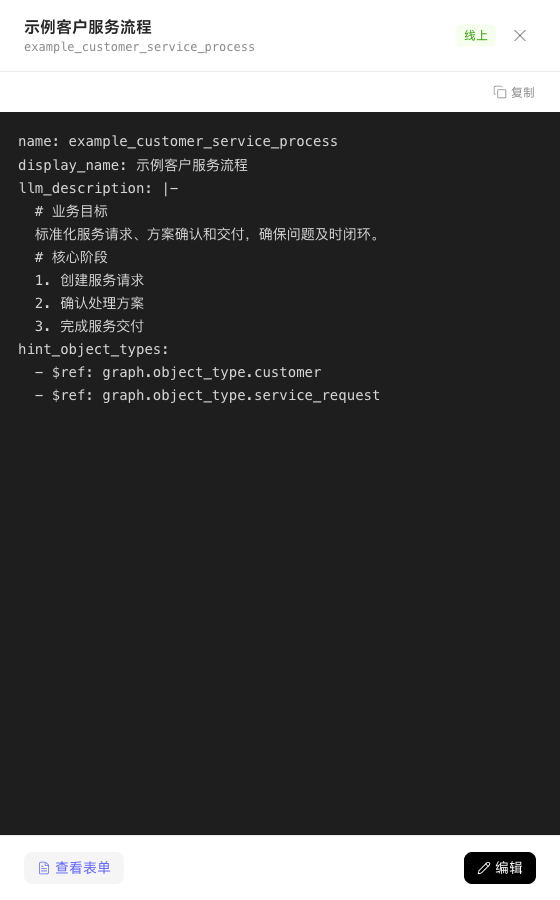
The detail page has "Edit" and "Delete" buttons in the upper right; deletion confirmation warns "After deletion, recovery is not possible and related references will become invalid."