Validate and publish
Semantic Publishing shows pending changes for the current graph. Before publishing, compare your draft with the official version and verify additions, changes, and deletions to objects, relationships, Business Logic, and Analysis Views.
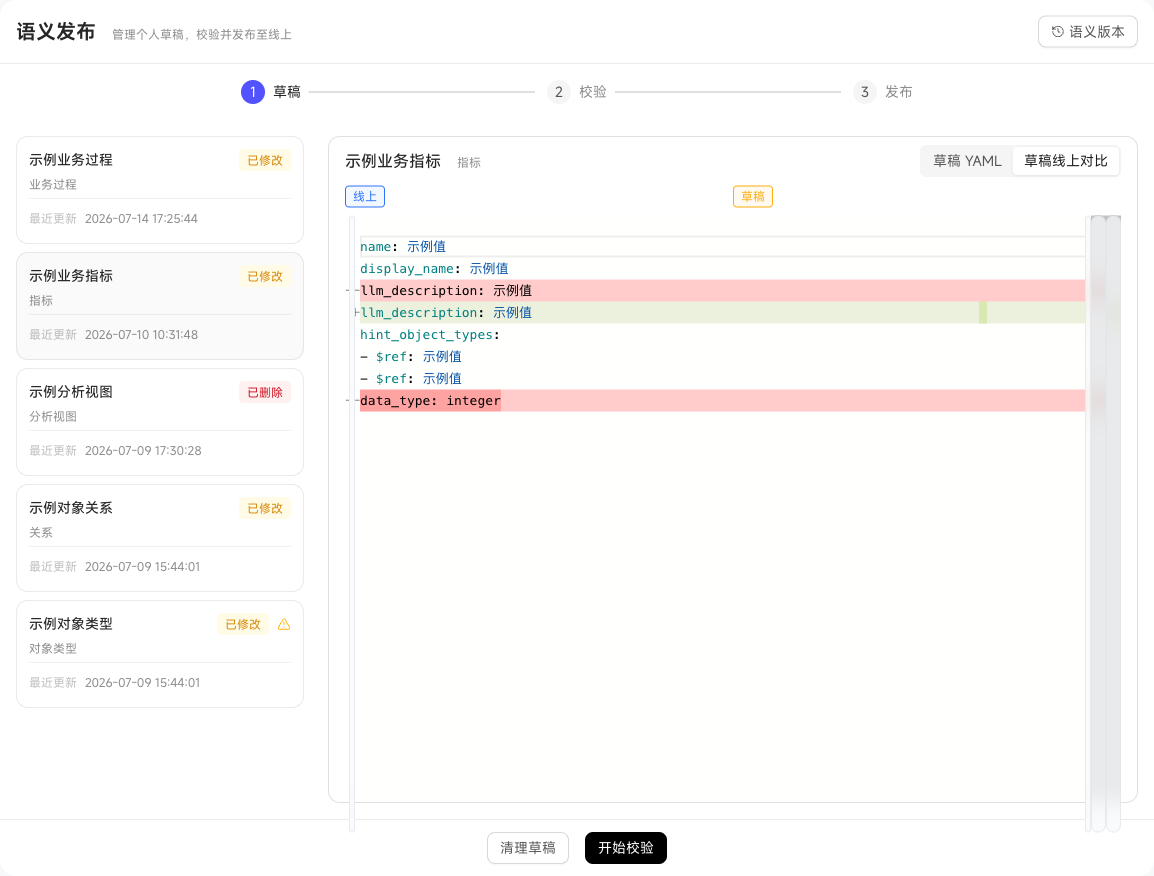
Publishing applies to the whole graph. Check references and impact before high-impact deletions or data source changes. After publishing, positions use the new official semantic definitions.
Confirm publication content
Click Validate and Publish. After validation passes, enter release notes, review the Live Version / My Draft YAML comparison, and confirm publication. Release notes remain in Semantic Versions for other maintainers to trace changes.
To update business descriptions with the latest graph content, select AI Generate Semantic Summary. After successful publication, view the generated content under Intelligent Summary in the Object Graph.
Trace published versions
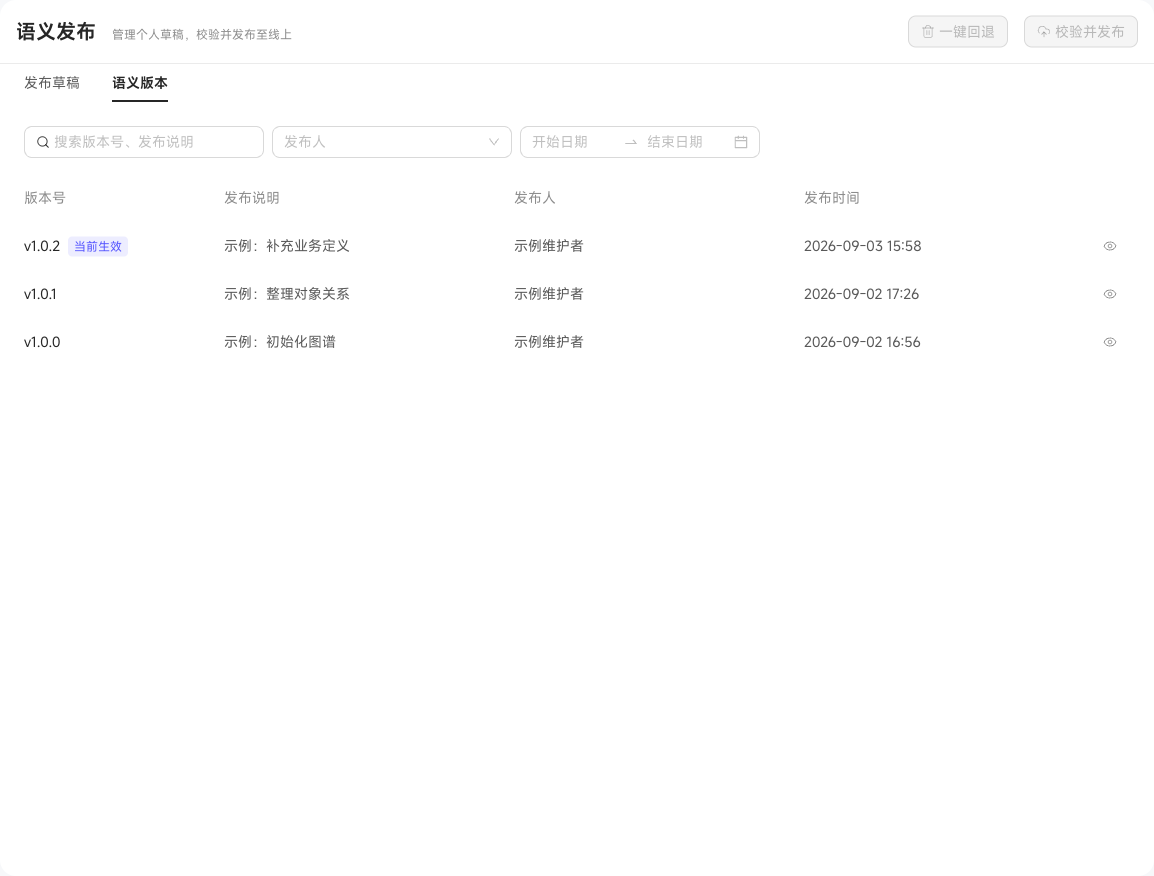
The page has two tabs: Publish Draft for pending content, and Semantic Versions for publication history. Open a version to inspect change details and Before / After YAML comparisons.
Use the Currently Active marker to identify the published version positions are using.