
View Full Records
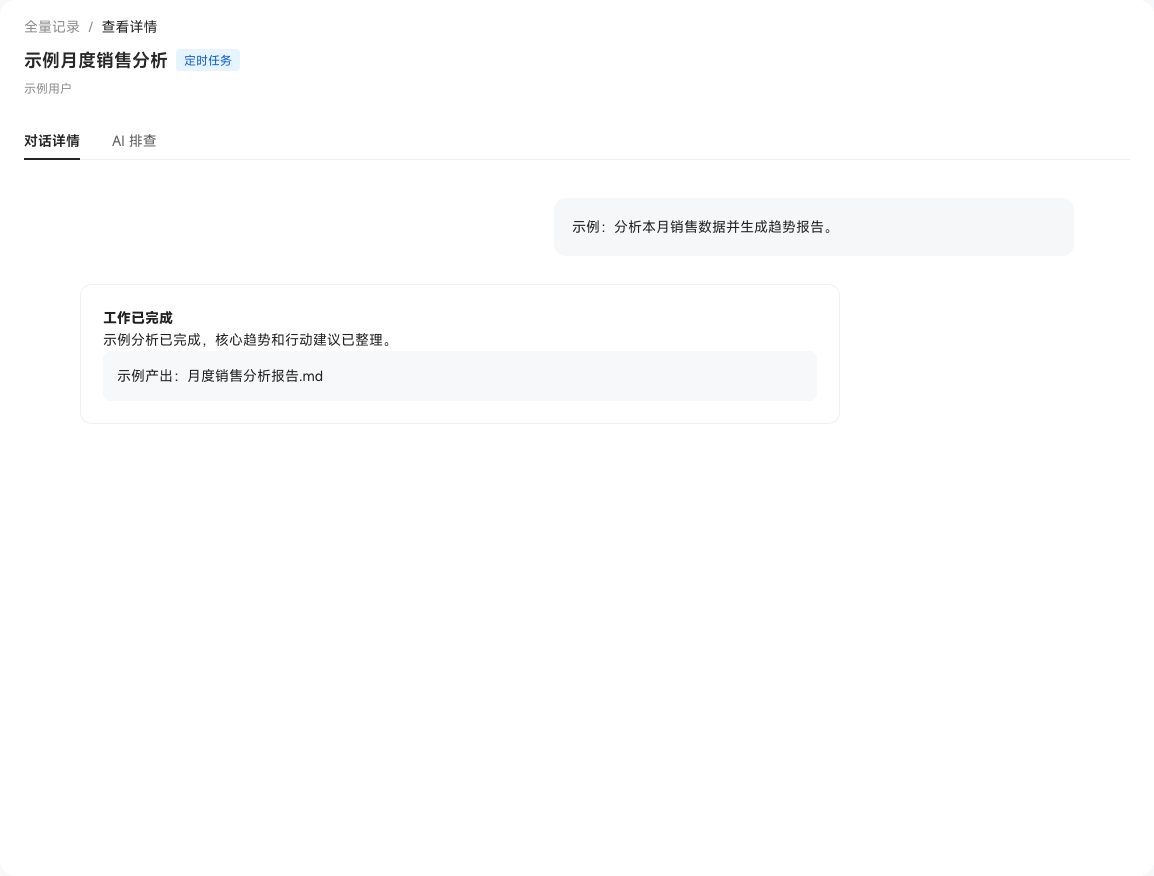
Full Record Viewing aggregates the chats, channel chats, quick Skill invocations, and scheduled tasks produced by users in the current tenant. You can review the complete Q&A, thinking process, and execution results, and filter or search by user, time, type, or Q&A content—helping admins pinpoint usage problems and analyze response latency.
i
Full records involve user conversations and enterprise business data, so only super admins can enter "User Management" and adjust the allowlist.
You can view the latency of each record type and launch an AI diagnosis on a chat result. Chats and channel chats show single-round response latency, while quick invocations and scheduled tasks show the latency of that execution, making slow records easy to spot; every round of a chat can also go straight into "AI Diagnosis" for deeper analysis (see Evaluation Center).