
Pair
WinNexo supports DingTalk, Alibaba DingTalk, Feishu, and WeCom. All four platforms bind through a one-time pairing code. Multiple people can use the same bot, but each person must pair with their own account; subsequent chats run under that person’s role and Data Permissions.
Each Channel corresponds to an independent session; context and permissions are not shared across Channels. Pair again when switching Digital Workers or IM Channels.
Select a Digital Worker and Channel
In the web "Channels" tab, choose the IM platform you want to connect.
Copy the Pairing Code
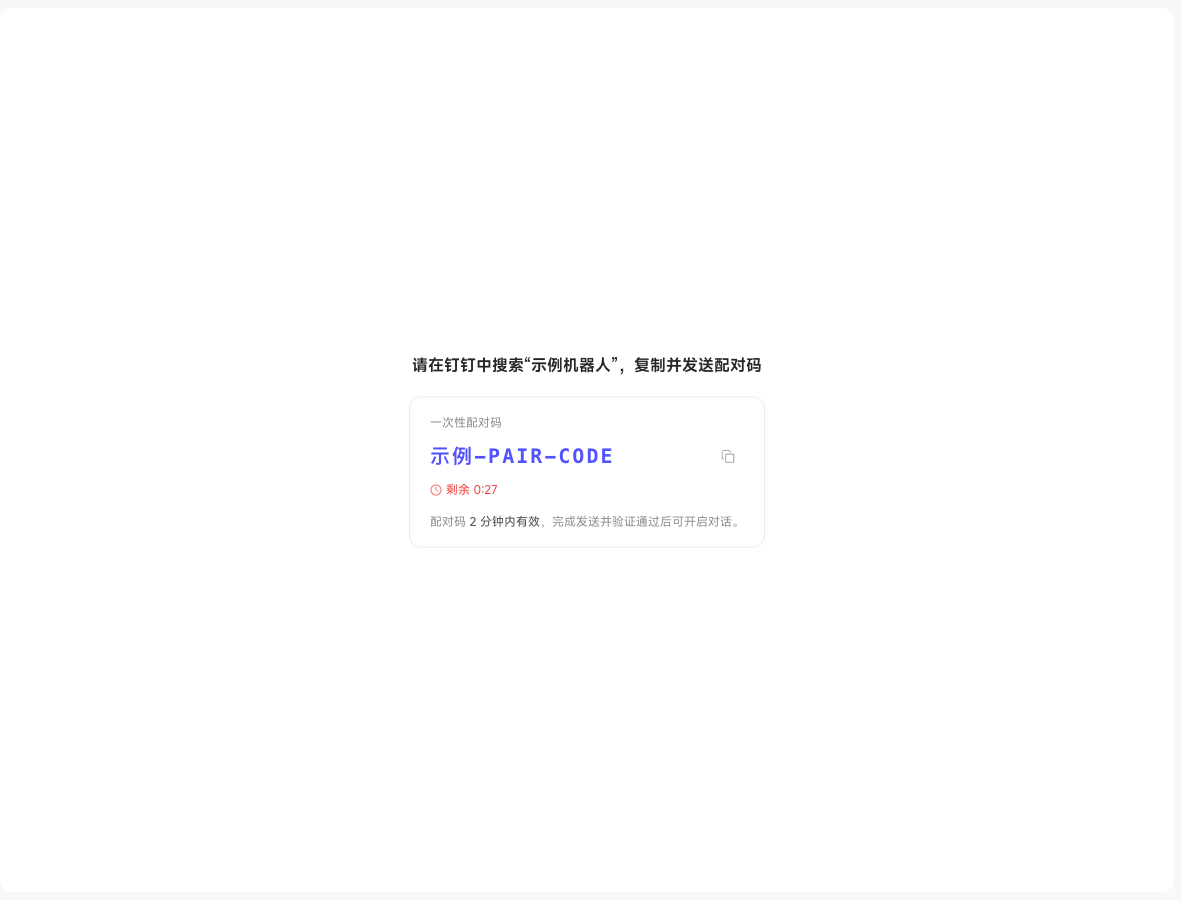
Click "Start Pairing" to generate a one-time pairing code, copied to clipboard.
Send the Pairing Code in IM
Open the corresponding IM app, search for the bot name shown in the panel, enter the direct message, and send the pairing code. After verification, the web page automatically navigates to the corresponding session.
i
If the pairing code expires, click "Start Pairing" again. After successful pairing, no further action is needed — just @bot or DM it directly in your IM.