
Enterprise Login
WeCom Login: After creating a self-built app in WeCom, enter the required CorpID, CorpSecret, and AgentId. For a private WeCom deployment, also enter the API Base URL, QR-code Login Authorization URL, and Web Authorization URL; leave them blank to use the default WeCom SaaS URLs. This login method supports account sync, so after configuration you can use “Sync Accounts” to import members in batches.
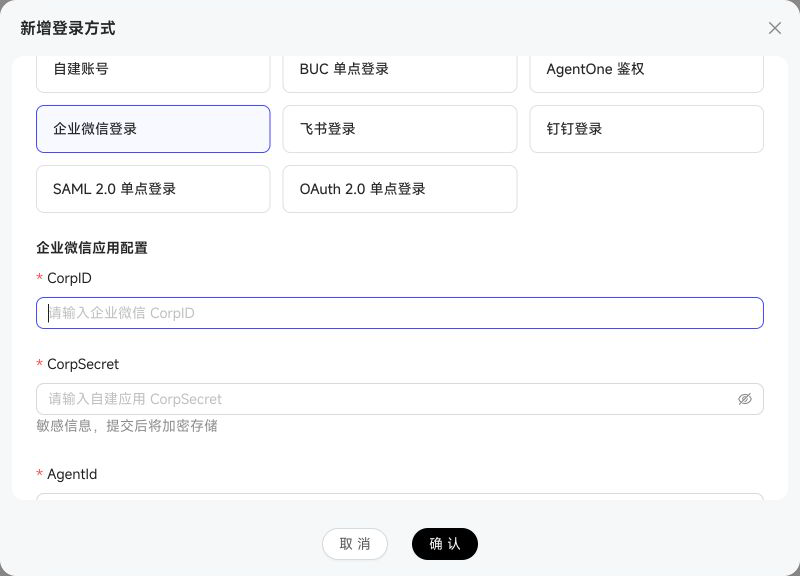
Feishu Login: After creating an enterprise self-built app in Feishu, enter five values: App ID, App Secret, API URL, Authentication URL, and Authorization URL. Public-cloud deployments can use the default URLs; Feishu private-cloud or Lark international deployments must use the HTTPS URLs for the actual deployment.
Feishu login supports “Sync Accounts.” You can currently select members by department or Feishu user group; the tag-based sync available for WeCom is not provided. Existing accounts are marked in the selection list and skipped to prevent duplicates.
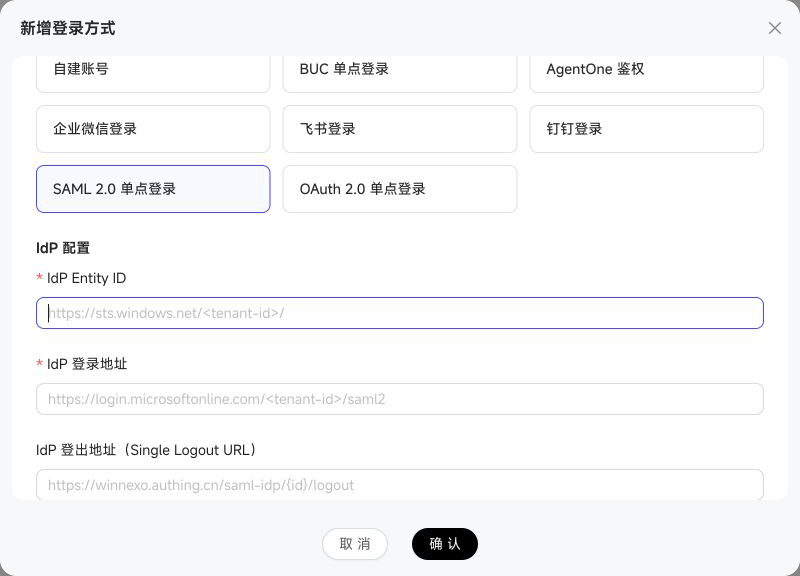
SAML 2.0 Single Sign-On (such as Microsoft Entra ID / Azure AD or Authing): enter the IdP Entity ID, IdP Login URL, and IdP X.509 Certificate (in PEM format) from the IdP metadata, plus the WinNexo SP Entity ID. Leave the IdP Logout URL blank to disable SAML SLO. Optional settings include ACS URL / SLS URL, Account Identifier Attribute and Display Name Attribute for assertion mapping, Enable Automatic Registration and Automatic Registration Tenant ID, and Require Assertion Signature / Require Response Signature.
OAuth 2.0 Single Sign-On: use generic OAuth2 for standard OAuth2/OIDC identity providers such as DingTalk, Google, GitHub, and Keycloak; use the dedicated “Feishu Login” type above for Feishu. Required fields are Authorization Endpoint, Token Endpoint, UserInfo Endpoint, Client ID, and Client Secret. Optional settings include Scope, token-exchange method, additional authorization parameters, account-attribute mappings, and JIT automatic registration.